A useful AI product photography brief explains what the images must do, what the product must look like and how the finished files will be used. Agreeing these points before scene development makes feedback more precise and gives the work a clear direction.
If you are commissioning imagery for a wellness, beauty or jewellery brand, use the checklist below to prepare your first conversation with a designer.
Start with the product and the intended use
List the products, variants and channels in scope. A website hero, a product-page image and a portrait social post serve different purposes. Specify where each image will appear, its required dimensions and whether space is needed for a headline or interface elements.
Separate essential deliverables from optional variations. For example, a launch brief might require one wide hero scene, three product-led social compositions and crops for an email campaign. This is easier to scope than asking for a general collection of images.
Supply references that show the real product
- Clear photographs from the front, back and relevant side angles.
- High-resolution label artwork and logos, rather than screenshots.
- Product dimensions and reference information for scale.
- Brand guidelines, approved colours and existing campaign assets.
- Details that must remain accurate: packaging shape, label text, gemstone arrangement, materials or finish.
Tell the designer which references are approved and current. If packaging is changing, distinguish the existing product photograph from the new artwork so the two versions are not confused.
Define the visual direction
Choose references for lighting, setting, palette and composition. Explain what you like about each reference: warm directional light, a clean studio setting or a particular amount of negative space. A reference should guide the direction rather than become a request to copy another brand.
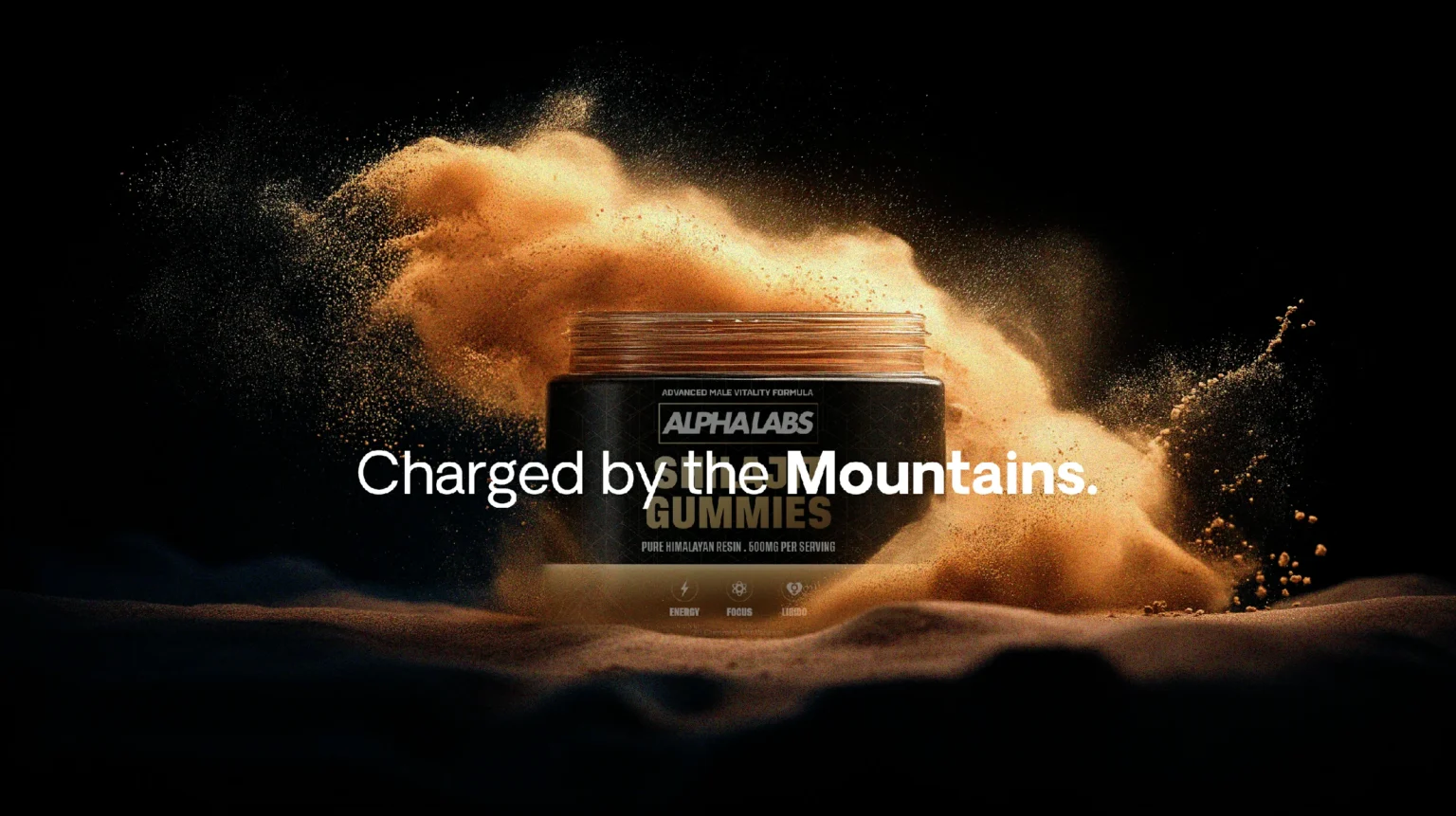
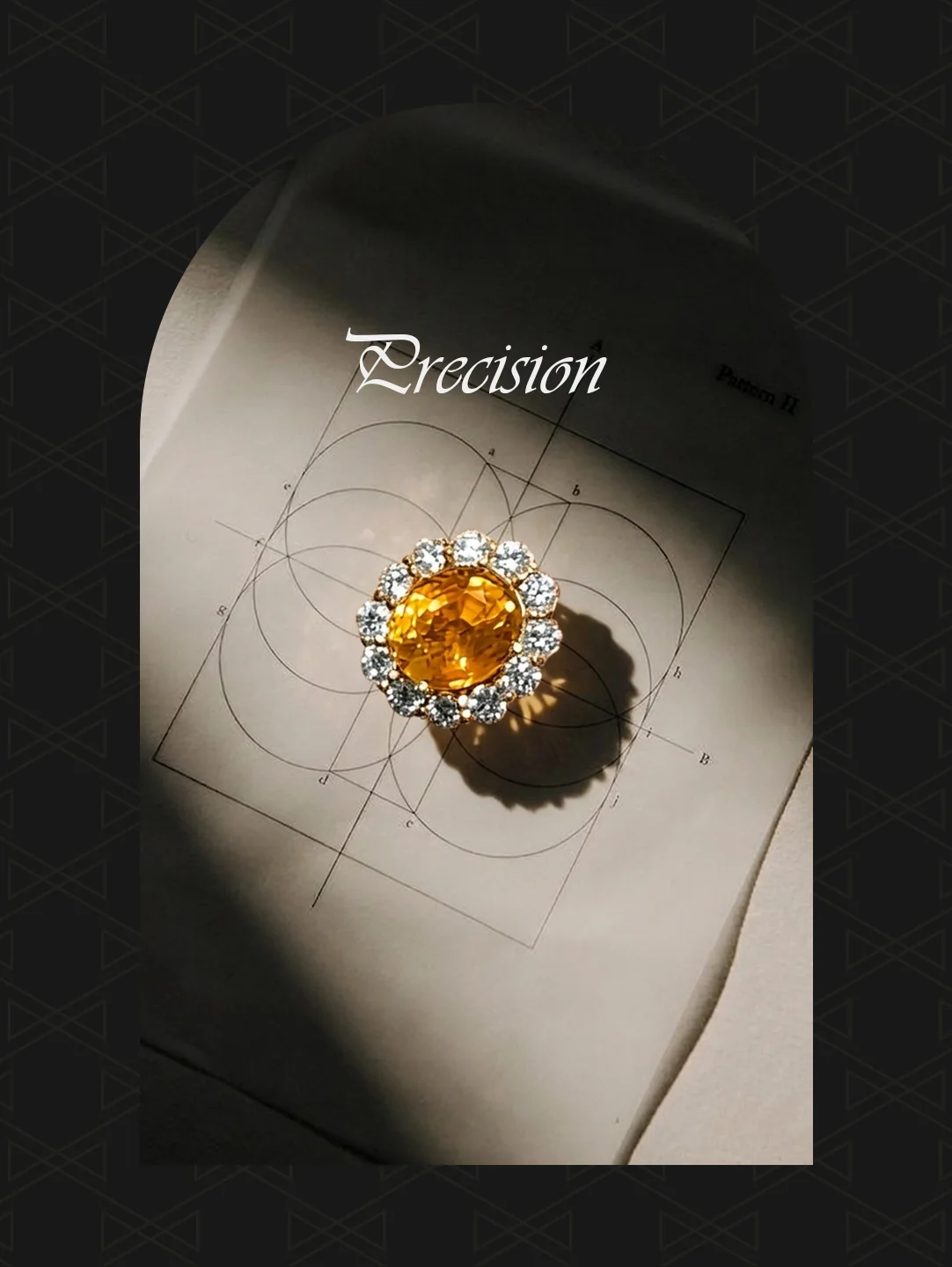
Agree how much variation belongs in the set. Product-focused scenes and editorial lifestyle imagery can work together when they share a considered visual language. See the AlphaLabs product visuals and VAN Fine Jewelry campaign for examples of different approaches.
Agree product-accuracy checks before production
AI can change labels, proportions, materials and small details. State the accuracy requirements in the brief and review selected images against the real product references. Editing, retouching or compositing may be needed before a visual is suitable for its intended use.
For jewellery, check the piece itself as well as the overall scene: stone arrangement, metal colour, settings, scale and how it sits on a model. For packaged products, check the container shape, logo, label text and product variant. Do not treat a realistic-looking image as proof of product accuracy.
Make review and handover specific
Name the person who approves the work, agree feedback milestones and record the revision rounds included in the scope. Review a direction before extending it across the whole set. Consolidated feedback helps avoid conflicting instructions.
Confirm final dimensions, file formats, crops and naming before handover. Explain the intended advertising or ecommerce use early so suitability and rights can be considered for that use.
Copy this brief into your enquiry
- Brand and website:
- Products and variants:
- Available product photographs and label artwork:
- Channels and required image formats:
- Number of scenes and crops:
- Visual references and accuracy requirements:
- Launch date, location and budget range:
- Project contact and approval process:
I work remotely from India with international brand teams. Explore my AI product photography service, then send your project brief to discuss the direction, deliverables and schedule.