By Ameen Ahsan · Brand designer and AI visual creator
Choosing AI product photography vs traditional photography starts with what each image needs to do. AI-assisted creation can help a brand explore product scenes and campaign directions. A physical photoshoot captures an actual product in front of a camera. Choosing between them starts with what your images must communicate, how accurately the product must be shown and what reference assets you already have.
For a new skincare range, a jewellery campaign or a wellness launch, the strongest brief identifies the job of each image before choosing the production method. A product listing, an editorial campaign scene and a close-up of a functional detail can need different approaches.
Start with the product details that must stay exact
List the features a customer relies on when deciding what to buy: shape, dimensions, finish, colour, label text, closures, stones or materials. Flag the details that must match the product reference exactly. AI-generated outputs need close review because a convincing scene can still contain an incorrect label, altered edge or changed material.
If your image must document a precise physical detail, a clear photograph of the actual product gives the team a direct reference. It still needs appropriate lighting, editing and approval. For generated scenes, discuss whether the product itself should remain photographic while the surrounding setting is created or extended.
When a physical shoot is a sensible starting point
- You need to show an actual product’s construction, texture or scale clearly.
- The brief depends on a specific person interacting with the product.
- You need a consistent reference library covering several angles and details.
- Your approval team requires direct photographic evidence of the item being sold.
Confirm sample availability, styling, location, shot list and editing scope with the photographer. Think beyond one hero image: a useful reference library can also support later creative production.
When AI product photography can suit the brief
AI-assisted image creation can be useful for exploring art direction, building product-led campaign scenes and developing a visual world around supplied references. It can help a team consider settings and compositions before committing to a final direction.
It works best as a considered creative process. The brief should explain the product, intended audience, scene, lighting and channels. Allow for selection, editing and product-accuracy checks rather than assuming the first generated output is a final commercial asset.
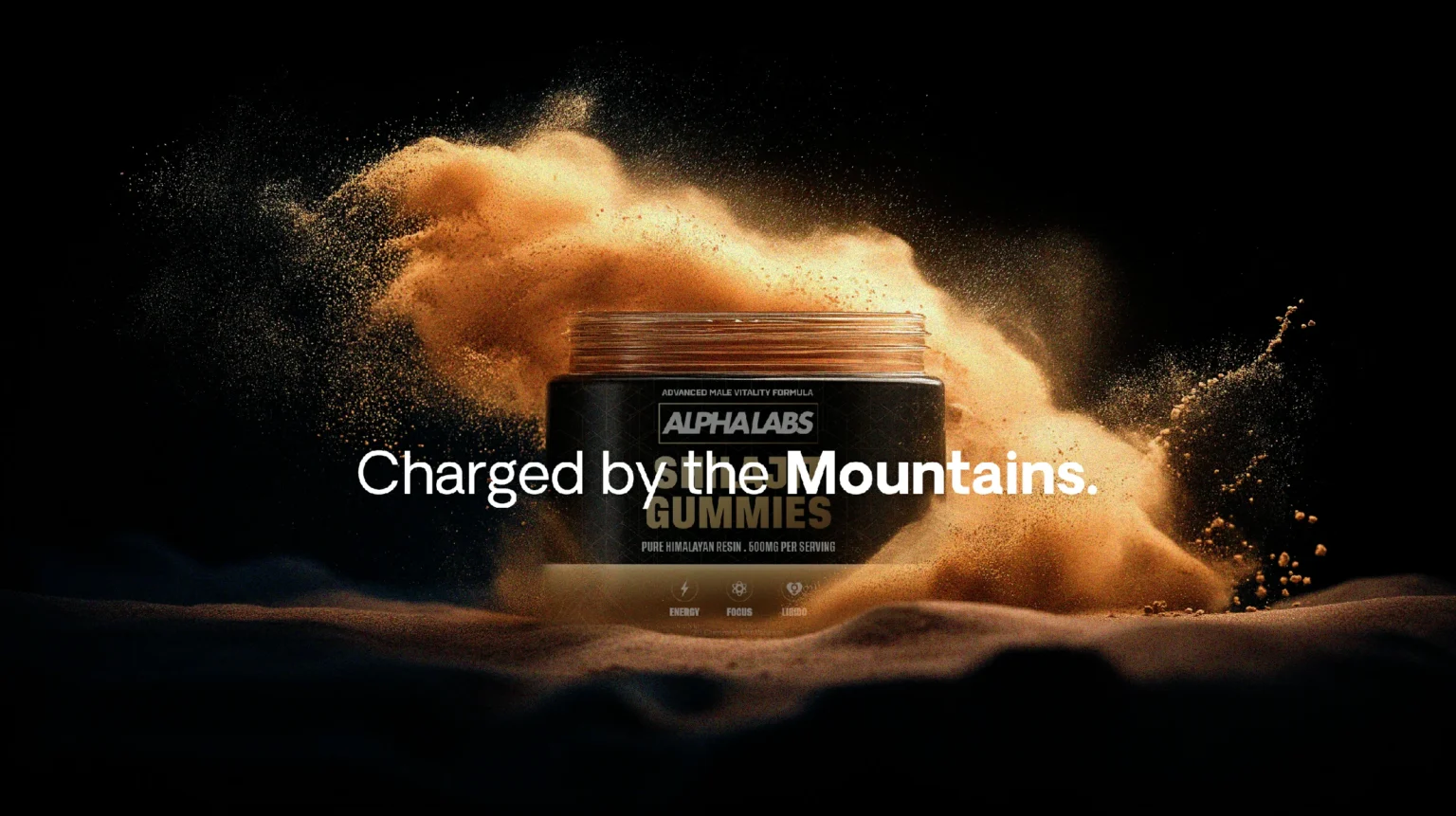
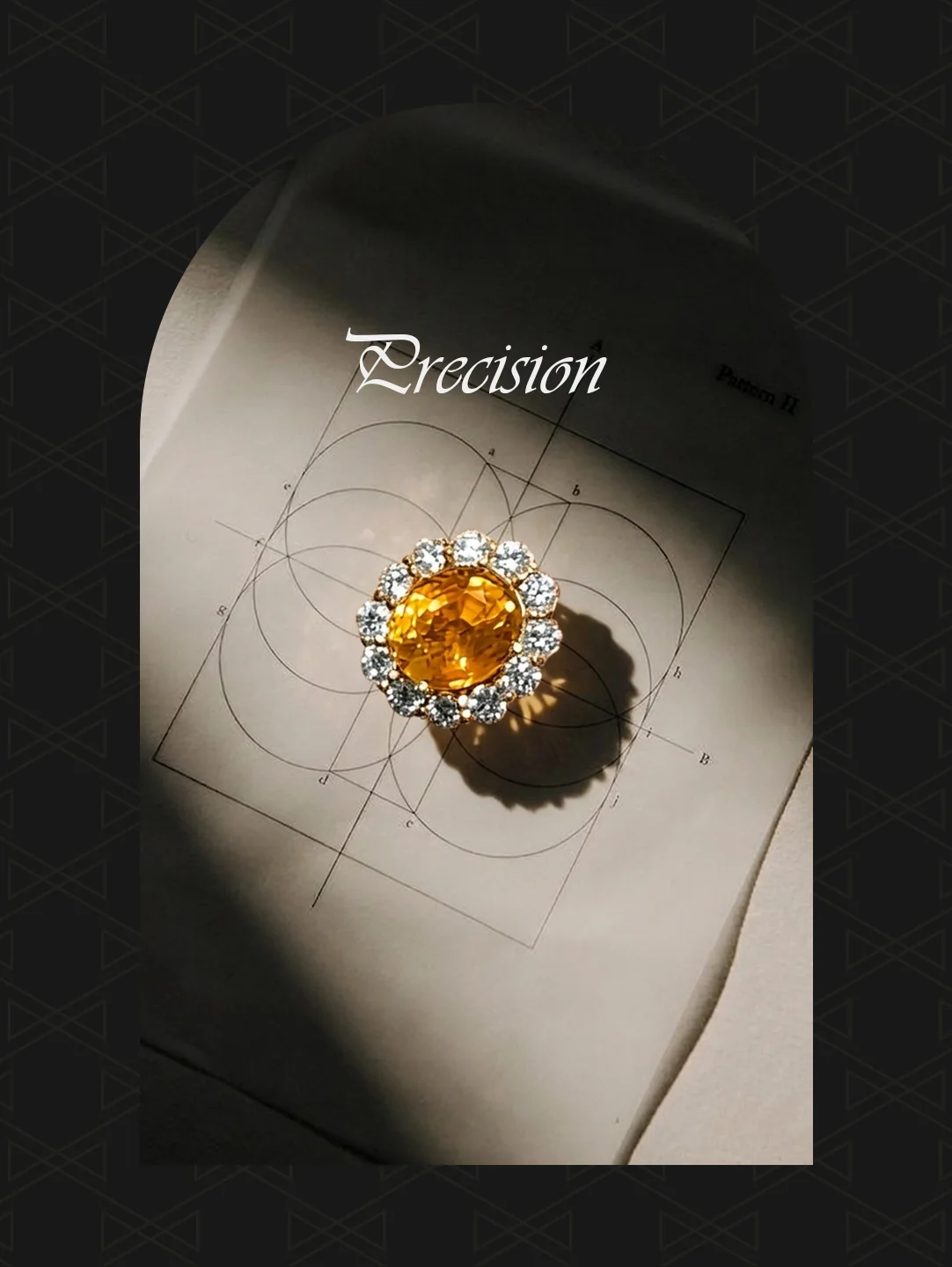
My AlphaLabs product imagery and VAN Fine Jewelry campaign show different visual directions across wellness and jewellery.
A hybrid approach can connect both methods
A hybrid workflow can keep an approved product photograph while developing a different environment, background or composition around it. This gives the team another option when the product needs to remain recognisable and the campaign needs a broader visual setting.
Figma’s overview of AI product photography examples includes background replacement and scene development as ways teams can work from existing product photographs. The approach still needs a review against your own product and intended use.
AI product photography vs traditional: compare the scope
Ask each provider what the fee covers: references or samples, concept development, image selection, retouching, correction rounds, final crops and handover. A lower initial generation cost does not describe the full work needed to reach an approved image. Avoid assuming either route is always faster or cheaper for every product.
Agree how usage requirements and third-party assets will be checked for your project. Identify the person who approves product accuracy and the person who approves the creative direction. Where marketplace or advertising rules matter, check the current requirements for the intended placement before final approval.
What to send before choosing a workflow
- Product photographs, label artwork and brand guidelines.
- The exact details the images must preserve.
- A shot list with the purpose and channel for each image.
- Visual references, required formats and target launch date.
- Your budget range and who will approve the work.
Use my AI product photography brief checklist to organise those inputs. Explore the AI product visuals service, then send a project enquiry to discuss a suitable scope.